

Local SEO for Restaurants & Cafes: Website, Photos & Google Profile
Website, Google profile, photos, and reviews as one system — plus a 30-day local visibility plan for restaurants and cafes.
Prashant Khuva

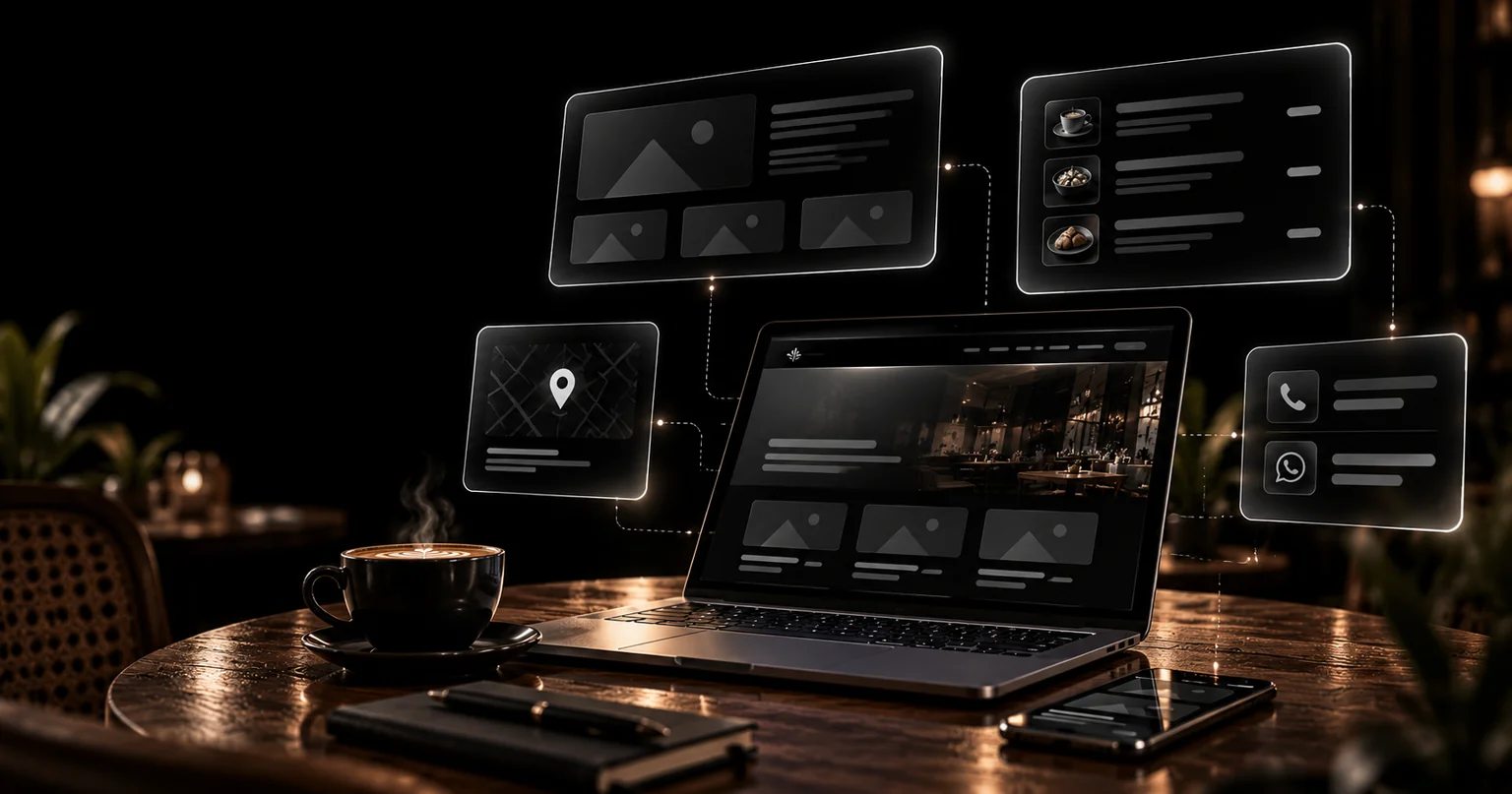
Local SEO for restaurants is the combined work that makes your venue the obvious answer when someone nearby searches for a place to eat. It is not one setting or one plugin. Your website, Google Business Profile, photos, and reviews have to describe the same business — or they should.
Get it right and you appear in the map pack for "best thali near me" minutes before a diner decides. Get it wrong and someone three streets away finds your competitor instead.
This guide covers how Google picks local winners, restaurant website SEO basics, Google Business Profile optimization for restaurants, photo strategy, and a 30-day plan you can run alone.
Key Takeaways
- Google ranks local results on relevance, distance, and prominence — your site, profile, and reviews each power one.
- Restaurant website SEO starts with visible NAP details, an HTML menu with prices, and Restaurant schema markup.
- Photos work twice: they win clicks on your profile and rank when filenames and alt text name the dish.
- A 30-day plan below closes every foundation gap, week by week.
What Local SEO for Restaurants Actually Means
Local SEO for restaurants is search engine optimization narrowed to the radius around your doors. You are not competing for national software keywords; you are competing for nearby diners who are already close to a decision.
Three surfaces decide where you appear:
- The local pack. The three listings under the map for searches like "restaurant near me." Calls, direction requests, and menu views start here.
- Organic results. Your own pages ranking for queries like "best Gujarati thali Ahmedabad" — won by restaurant website SEO: crawlable menu pages, location content, and restaurant schema markup.
- Aggregators and AI answers. Zomato, TripAdvisor, and assistants summarizing options for a query. The same consistent name, address, and phone details feed all of them.
One rule connects the three: search engines cannot rank what they cannot verify. When your website, Google Business Profile, and directory listings describe one identical business, local SEO for restaurants turns into a checklist. When a suite number or opening hour disagrees between sources, Google hedges — and hedging rarely favors a small restaurant. The AI-answer surface behaves the same way; our breakdown of how AI assistants pick sources explains why consistent data matters there too.
How Google Decides Which Restaurants to Show
Google documents three factors behind local results: relevance, distance, and prominence (Google Business Profile guidance, 2026). Everything in this guide feeds one of them.
- Relevance is how well your listing matches the query. A primary category of "Restaurant" with the right secondary types, a menu Google can read, and service attributes such as dine-in, delivery, or takeout all raise it. Thin profiles lose here regardless of location.
- Distance is how far the searcher is from your business. You cannot optimize distance; Google will always prefer the closer match for an identical query. You can only make sure you are indexed for every area you genuinely serve.
- Prominence is how known you are: review volume and recency, links from local press and food bloggers, citations on established directories, and branded searches. Prominence is the slow factor — and the one most restaurants abandon too early. Branded searches rise when local writers mention you — a reason to invite food bloggers rather than buy links.
Practical read: proximity wins ties, completeness breaks them, and prominence keeps winning after the tie is broken. Restaurants that treat Google Maps ranking as a one-time setup job miss the third column entirely.
Your Website: The Foundation of Restaurant Website SEO
Your profile can only carry data your site gives it. Four items decide whether this foundation holds:
- NAP consistency. Your name, address, and phone number must appear as visible text — in the footer of every page and on the contact page — exactly as written on your Google Business Profile. No phone numbers trapped inside images, no call widgets hiding the digits.
- Menu page SEO. Publish the menu as HTML text with categories, dish names, and prices. A PDF or photo menu is invisible to Google and hostile on mobile. Multi-location brands give each outlet its own page; a single location can rank with one strong menu page.
- Restaurant schema markup. Add Restaurant structured data — a subtype of LocalBusiness — covering name, address, phone, hours, menu URL, price range, and geo coordinates. Validate it with Google's Rich Results Test before you celebrate.
- Speed on mobile. Food photos are heavy. Compress them, serve modern formats, and target a Largest Contentful Paint under 2.5 seconds on a mid-range phone over mobile data.
Two edge cases matter in Gujarat's market. Cloud kitchens without a dining room should not fake an address — describe the service area honestly and support campaigns with a single-promotion landing page instead of stuffing location lists. Multi-outlet brands need one page per outlet, each with its own hours, phone, and photos.
For owners evaluating outside help, our guide to choosing a restaurant website designer in Gujarat doubles as a shortlist checklist for this exact work.
Google Business Profile Optimization for Restaurants
Map-pack ranking for restaurants is roughly profile quality multiplied by prominence — so Google Business Profile optimization for restaurants deserves weekly attention, not a one-time claim.
- Categories first. Set the primary category to the tightest true fit (Restaurant, Cafe, or Coffee shop), then add secondary categories for what you actually serve. Categories decide which queries you are eligible for at all.
- Complete every field. Hours including holiday hours, phone, website URL, attributes, menu URL, and a description written in plain sentences with your cuisine and area named naturally. Empty fields are decisions Google makes for you.
- Keep NAP identical to the site. Any mismatch — "St." versus "Street," a missing flat number — splits your signals between two versions of the same business.
- Publish regularly. Weekly posts, seasonal specials, and seeded answers to questions customers actually ask. Freshness is cheap; most competitors never bother.
- Photos and menu links. Google's own guidance tells businesses to keep profile photos current and representative of what they offer. A menu link that 404s after a rebrand undoes weeks of work.
For how to rank in Google Maps for restaurants specifically, remember the map pack weighs proximity, category match, and review prominence together. You control two of the three in full; the third compounds with every review you earn and every reply you write. Profile insights show which queries you actually surface for — check them monthly.
Restaurant Food Photography for Website and Profile
Restaurant food photography for website pages and for your Google profile serves two audiences: customers deciding where to eat, and search engines matching images to queries. Shoot once, publish in both places.
Most restaurants already have enough material — the gap is structure. Decide the shot list once, shoot it in a single hour, and reuse the set deliberately: hero image on the site, interior shot on the profile, dish close-ups for seasonal posts.
- Cover the set. One signature dish close-up, interior seating, exterior storefront with signage, menu or specials board, and the team. Variety helps the profile; context helps the site.
- Name files like a menu. "veg-thali-ahmedabad.webp" beats "IMG_2481.jpg". Search engines read filenames; diners rarely see them, so descriptive names cost nothing.
- Write image alt text for food photos. Describe the dish and setting in one sentence: "Gujarati thali with dal, kadhi, and thepla served at our Ahmedabad restaurant." Alt text helps screen readers first and image search second.
- Compress without apologizing. Serve WebP, size images to their rendered dimensions, and lazy-load everything below the fold. A beautiful hero photo that delays the menu costs more than it earns.
- Upload fresh, not just at launch. New dishes, festivals, and refurnished corners are reasons to add photos. A frozen profile signals a business nobody is tending.
- Prefer original shots to stock. Stock plates look like every other listing and train customers to doubt the rest of your page.
The practical standard: on a mid-range phone over mobile data, your hero photo should appear in under two seconds, and every alt attribute should read aloud like a menu line — no filler words.
Reviews, Citations, and Your First Audit
Two reputation systems feed local ranking, and one habit keeps both honest. Both punish neglect the same way: a competitor who replies to reviews and fixes duplicate listings passes you slowly, then stays ahead.
- Reviews. Volume, recency, and owner responses all matter — Google treats reviews as prominence signals, and diners read them before choosing. Reply to every review within a few days. Ask explicitly: a QR card on the table or a WhatsApp follow-up converts happy customers into reviews far better than a poster on the wall.
- Local citations for restaurants. List the business on established directories — Google Business Profile, Justdial, Zomato, TripAdvisor, Apple Business Connect — with NAP written byte-for-byte like your site. Duplicates and outdated numbers are worse than absence.
Before paying anyone, run a free-tools SEO audit of your own site: check that the menu is indexed, the NAP matches your profile, schema validates, and core pages load fast on mobile. It takes an afternoon, and it tells you which section above is actually broken.
A 30-Day Action Plan for Local Visibility
Foundation first, polish later. Each week below is self-contained — nothing in week three depends on a designer or an agency.
Week 1 — Fix the data.
- Claim and verify your Google Business Profile, or fix the listing someone else created for you.
- Write your NAP once, then make the site footer, contact page, profile, and top three directories match it exactly.
- Set primary and secondary categories, regular hours, and holiday hours.
Week 2 — Rebuild the pages.
- Convert the menu to HTML with categories and prices.
- Add Restaurant schema markup and validate it with the Rich Results Test.
- Compress images and re-test mobile speed.
Week 3 — Photos and proof.
- Shoot the five-photo set; upload it to both site and profile with descriptive filenames and alt text.
- Reply to every outstanding review; place a review QR card on the tables.
Week 4 — Publish and measure.
- Post a weekly update to the profile and add one seasonal special.
- Search "restaurant near me" variants from a second phone in your area and note where you appear.
- Set monthly reminders for the audit, fresh photos, and profile posts.
Thirty days gets the foundation correct. Prominence — reviews, links, mentions — keeps compounding after that, which is why month two matters more than month one.
Want a Local Search Foundation That Holds Up?
Meteoric builds the technical half of this guide into every hospitality project: fast Next.js sites, HTML menu pages, restaurant schema, and profile setup wired in from day one. The work is founder-led from Gujarat — Prashant handles your project directly — covering website development services from first wireframe to launch.
Book a free strategy call with your current profile link and menu ready. You will leave with a prioritized fix list whether or not we are the right fit.
This guide is maintained by the Meteoric team. About us · Services · Contact · Editorial review by Prashant Khuva.
FAQ: Local SEO for Restaurants & Cafes
Sources: Local SEO for Restaurants & Cafes
Written by
Prashant Khuva
Founder & Full-Stack Developer at Meteoric. Building SaaS products and high-performance web applications for startups. Editorial policy for this blog.
Keep reading
Related reading: Local SEO for Restaurants & Cafes


Meteoric
Have a project in mind?
From landing pages to full SaaS platforms — let's build something exceptional.